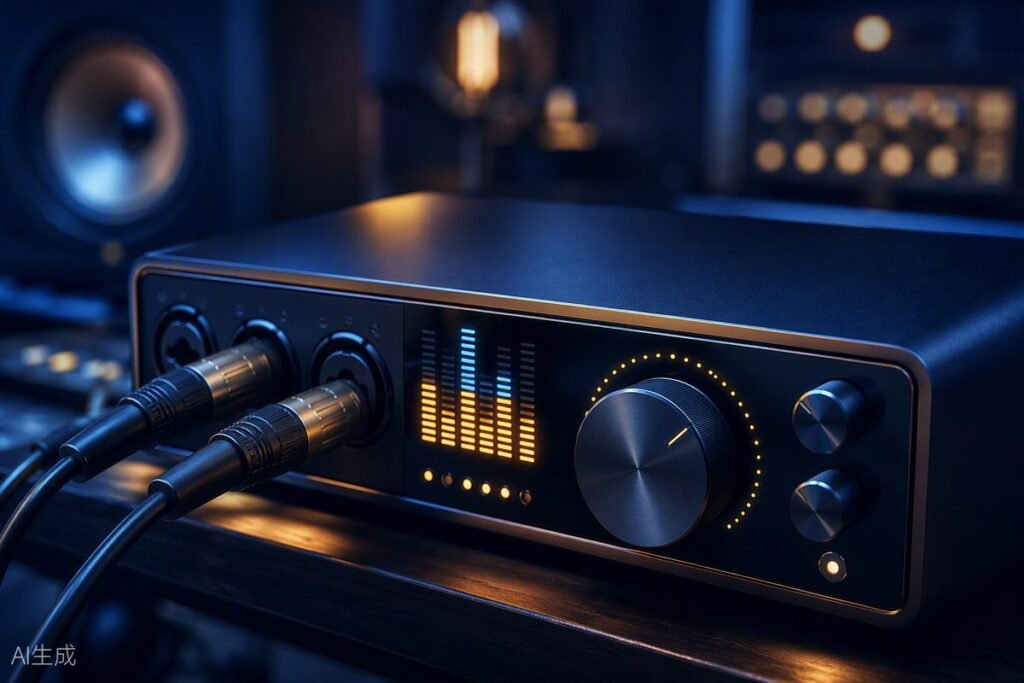
An audio interface is the quiet workhorse of a composer’s studio: it converts what you play and hear, drives your headphones properly, and — if you ever record a live instrument or your own voice — captures it cleanly. The good news for game composers: you need far less interface than a recording band does. Here’s how to buy exactly what you need.
Do You Even Need One?
If you compose entirely “in the box” (MIDI + sample libraries) and your laptop drives your headphones without hiss or distortion, an interface is a quality upgrade, not a necessity. You genuinely need one when:
- You record anything with a microphone (vocals, guitar, hand percussion, voiceovers for demos).
- You plug in a guitar or bass directly (Hi-Z instrument input).
- You want studio monitors — interfaces provide proper balanced outputs.
- Your built-in audio crackles, hisses, or lags (interfaces ship with proper low-latency ASIO drivers on Windows).
The Specs That Actually Matter
- Inputs: one combo XLR/jack input covers a solo composer; two inputs cover stereo recording or a guest.
- Preamp quality: at this price class, all major brands are clean enough for game audio work.
- Headphone output power: check it can drive 250Ω headphones if you own or plan them.
- Direct monitoring: hear yourself with zero latency while recording — essential, and universal now.
- Loopback (nice-to-have): routes computer audio back into your DAW — handy for streaming, tutorials, and capturing reference audio.
Trusted Picks by Budget
Under $120: The solo standard
The 1–2 input USB interfaces from the big four (Focusrite, PreSonus, Behringer, M-Audio) are all reliable. The ubiquitous 2-in/2-out class — led by the best-selling red box found in half the home studios on earth — exists at this price for a reason: clean preamps, rock-solid drivers, and a decade of tutorials. Any of them will serve a composer for years.
$150–$300: The refinement tier
More headroom, better converters, metering, loopback, and stronger headphone amps. Motu and Audient play particularly well here — Audient brings console-grade preamps down to desktop prices, and Motu’s metering is the best in class. Choose this tier if you record regularly or drive demanding headphones.
$300+: Only if you record
Above this price you’re paying for more inputs, DSP, and conversion quality that matters for recording bands — not for a MIDI-and-libraries composer. Invest the difference in sample libraries instead.
Setting It Up for Composition Work
- Install the manufacturer’s driver (Windows: use the ASIO driver, not generic Windows audio).
- Set buffer size to 128–256 samples while composing (low latency for playing); raise to 512–1024 when mixing big templates (stability over latency).
- Gain-stage recordings so peaks land around −12 to −6 dB — clean headroom beats hot signals.
- Keep the interface on a short, good USB cable directly to the computer — hubs cause dropouts.
Common Mistakes
- Buying inputs you’ll never use: 8-input racks are for drum kits, not composers.
- Ignoring drivers: half of “my DAW is crackling” posts trace back to missing ASIO drivers.
- Recording too hot: digital clipping is permanent. Leave headroom.
Where to Buy
Interfaces are stocked by Amazon, Sweetwater, Thomann, and B&H, often in bundles with microphones and headphones that are genuinely good value if you’re starting from zero. Purchases through our links may earn us a commission at no cost to you — details in our affiliate disclosure. Next stop: complete the chain with studio headphones and a MIDI keyboard.
🎛️ Gear mentioned in this guide
- MIDI keyboard: Akai MPK Mini MK3 — best budget pick for composers
- Headphones: Audio-Technica ATH-M50x — honest mixing reference
- Interface: Focusrite Scarlett 2i2 — clean recording, zero fuss
As an Amazon Associate we earn from qualifying purchases. Full list on our Recommended Gear page.